

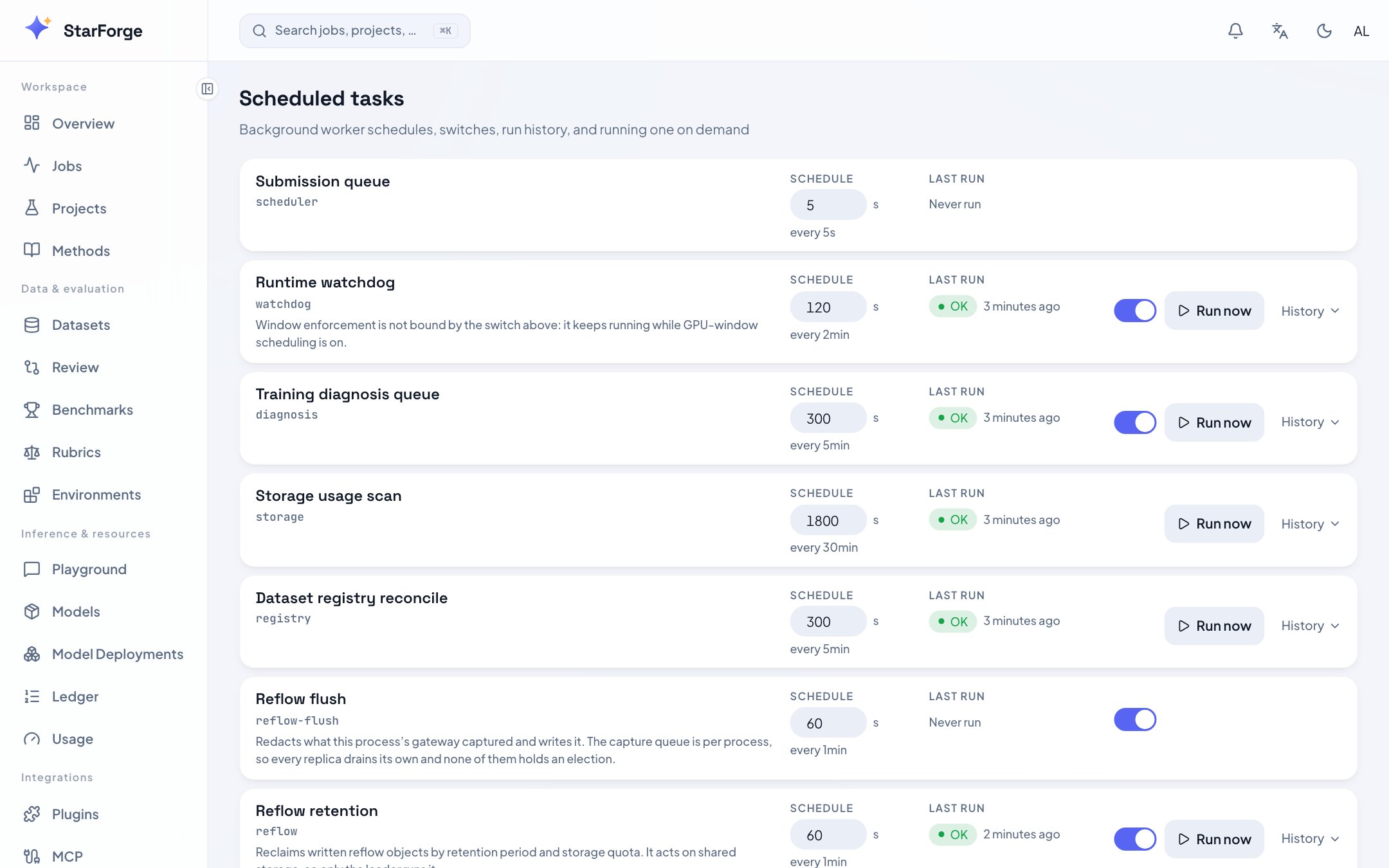
Background task schedules and their run history.
What you see
What you can do
- Change an interval for tasks with an adjustable cadence. Some are fixed, and say so.
- Turn a task off.
- Run now — useful after changing a setting the task reads, rather than waiting out its interval.
- Read the history — recent runs with outcome and duration.
Two banners worth understanding
Every background task is stopped
Every background task is stopped
No Redis is configured. Background roles need a shared lock so that several console replicas do
not all run the same task at once, and without one the platform stops them rather than running
them unsafely.On a single instance this is a warning you can accept. On more than one replica it means storage
accounting, diagnosis and the daily report are simply not happening.
Workers run in a separate process
Workers run in a separate process
FORGE_INPROCESS_WORKERS is off, so these tasks are executed by python -m server.worker rather
than inside the web process. That is the recommended shape at scale — the slow LLM-calling ticks
stop inflating API tail latency — and this page still shows their schedules and history.If a task is not running, check that the worker process for its role is actually up.